



One side does not know exactly what the other side wants or what information is needed. With this step-by-step configurator, you can eliminate unnecessary loss of time and additional costs! In no time at all, you will receive a comprehensive document that forms the basis for your request for quotation or specifications. Click by click – quickly finish an otherwise time-consuming effort.
Automation projects are frequently delayed...
… often due to a lack of coordination between client and contractor!
Click here to configure your automation project for future quotations and specifications:
- Step by step to a structured specification sheet
- Compare offers – directly and automatically
- Start free of charge at specs.phanos3d.com
“SpecsAutomate”, the requirements configurator “offer / specification sheet” for robotics & automation
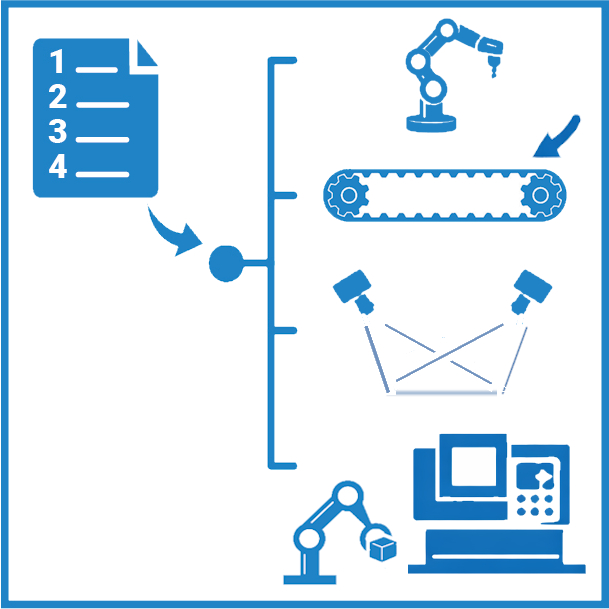
What does the process for the configurator of your automation project look like?
It’s very simple. Log in. Assign a password. Decide whether you need an offer or specifications. Go through your project as you see fit (most of the fields are optional). Save your project. We will turn it into a document for a request for quotation or a specification sheet. Start today and complete the workflow when you want.
How we can advise you - A customer opinion!
“We are growing quickly, but to us it’s important to stay as lean as possible in the front office, which means using tools like AMFG to do more with the staff we have.”
(T. Scholl / Busch CNC)